Performance creators
You have a dance, exercise, or gesture reference and want a different on-screen performer.
Start with ai motion mimic free when preserving a distinctive performance is the priority.
ai motion mimic freeReference to result
AI motion sync free helps you connect a reference performance with a character or subject, so the generated clip follows the source movement instead of relying on a written description alone.
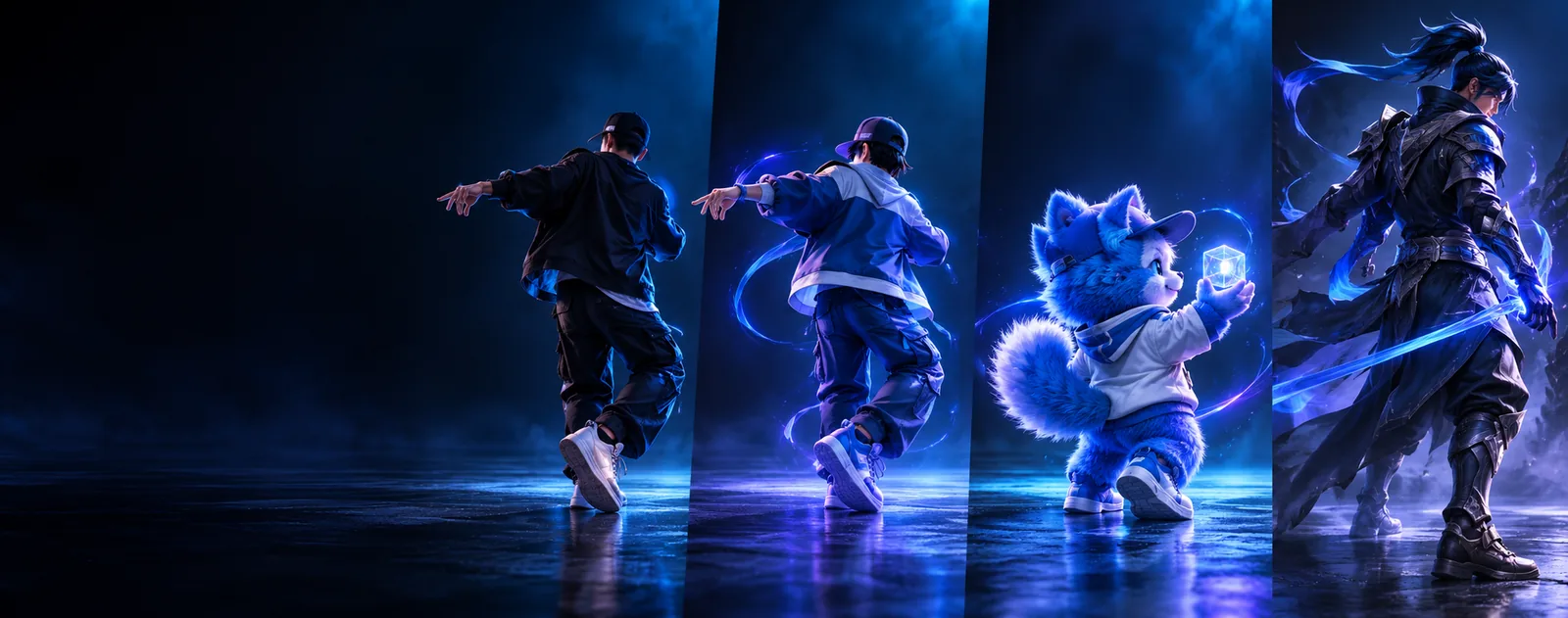
Variant overview
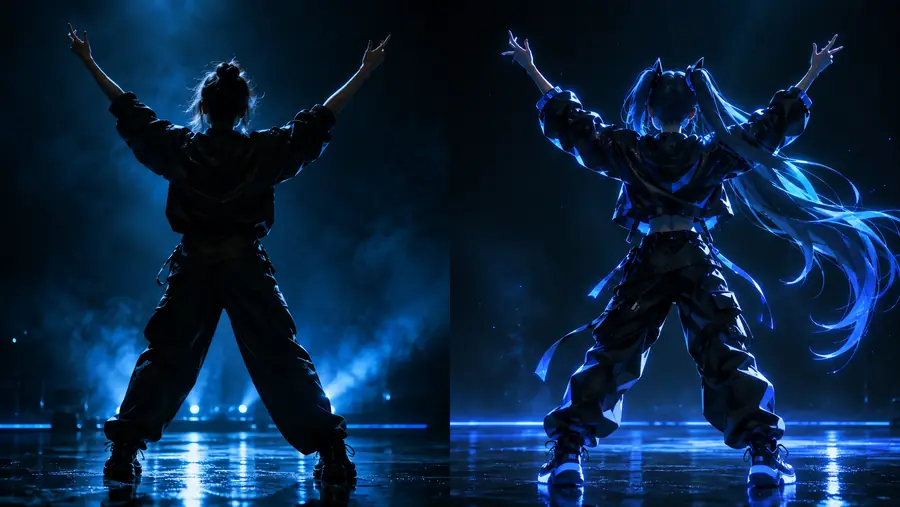
Motion sync maps visible movement from one clip onto another subject. The comparison below shows the intended relationship: preserve the action while changing the performer, look, or setting.
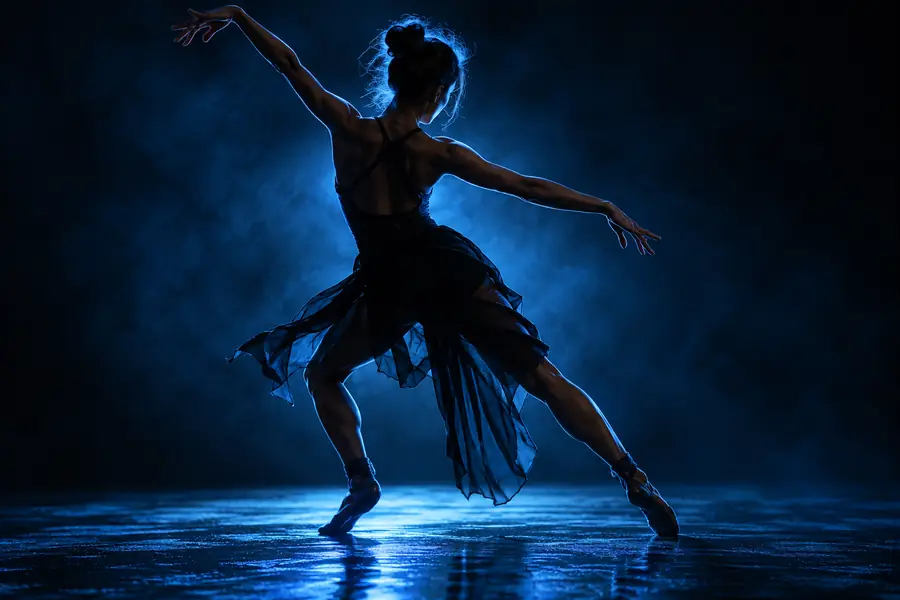
 Reference motion
Synced result
Reference motion
Synced result
Use a clear reference with the full subject visible and enough space around the main action.
Reference motionSynced resultInput and output
The useful A-to-B relationship is not simply video editing. A reference supplies movement cues, while the output applies those cues to a new visual subject and scene.
Primary role
Reference A
Provides the movement performance
Generated B
Receives the transferred movement
Visual subject
Reference A
The original person, character, or performer
Generated B
A selected or described target subject
What should remain
Reference A
Timing, direction, pose changes, and gesture rhythm
Generated B
The recognisable action and progression
What can change
Reference A
Original clothing, identity, and setting
Generated B
Character design, styling, camera context, and environment
Best preparation
Reference A
Stable framing with the complete action visible
Generated B
A clear subject description with compatible proportions
Main review point
Reference A
Check that motion is readable from start to finish
Generated B
Check that limbs, contact points, and transitions remain coherent
Typical refinement
Reference A
Trim distractions or simplify the performance
Generated B
Adjust the prompt, subject, or scene and render again
Workflow fit
Choose the route that matches your starting material. Each path keeps the focus on a practical video outcome rather than asking you to learn a separate production workflow.
You have a dance, exercise, or gesture reference and want a different on-screen performer.
Start with ai motion mimic free when preserving a distinctive performance is the priority.
ai motion mimic freeYou want to turn a visual idea into a short moving scene before committing to a shoot.
Use ai video generator to explore a subject, setting, and movement direction together.
ai video generatorYou can describe the scene clearly but do not yet have reference footage.
Try text to video ai for prompt-led concept development and quick visual iterations.
text to video aiYou already have a still character or product image and need it to move.
Choose image to video ai when the starting asset is a single visual rather than a motion reference.
image to video aiYou want to transform an existing clip while retaining useful visual continuity.
Compare video to video ai when the input is footage that needs a new treatment or direction.
video to video aiThe main challenge is believable speech timing rather than full-body action.
Use lip sync ai when mouth movement and spoken audio are the central deliverable.
lip sync aiPrompt starting points
These examples show how to state the action, subject, and scene together. Keep the motion phrase specific, then change only one visual variable at a time.
A cinematic character walks forward with calm, deliberate steps, matching the reference timing and direction; keep the full body visible.
Transfer the reference performer’s arm gesture and torso turn to a stylized character, preserving the gesture rhythm and camera framing.
Apply the reference dance sequence to a futuristic performer in a clean studio, keeping the movement readable and the background simple.
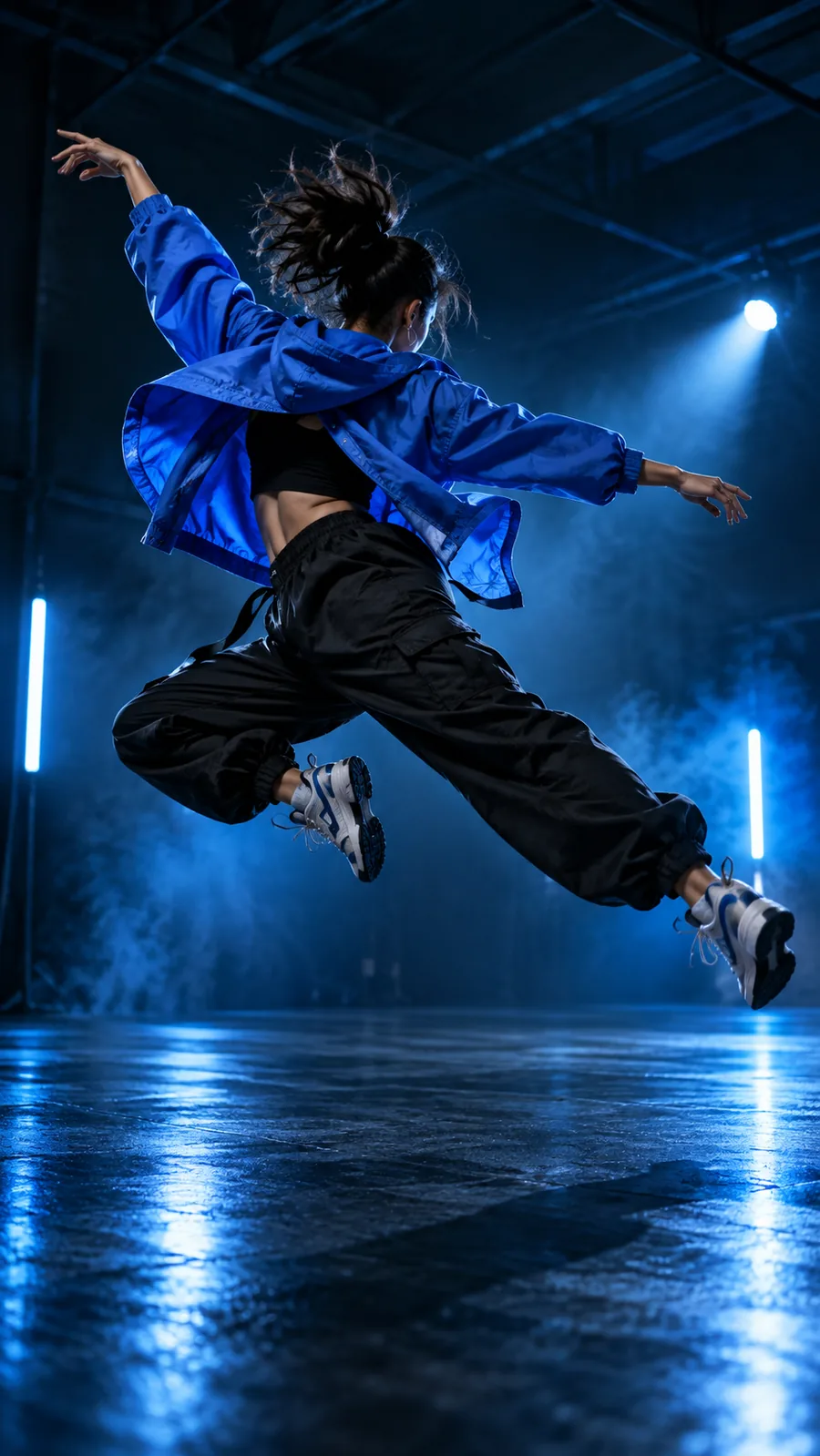 1
Walk
1
Walk
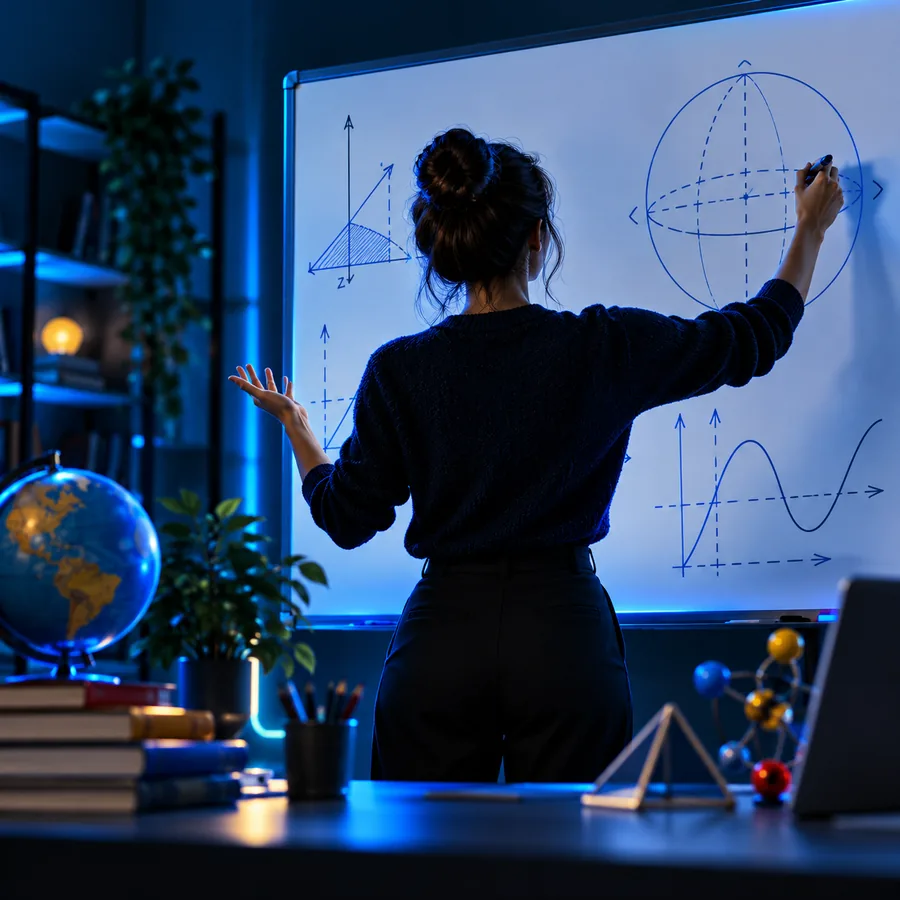 2
Gesture
2
Gesture
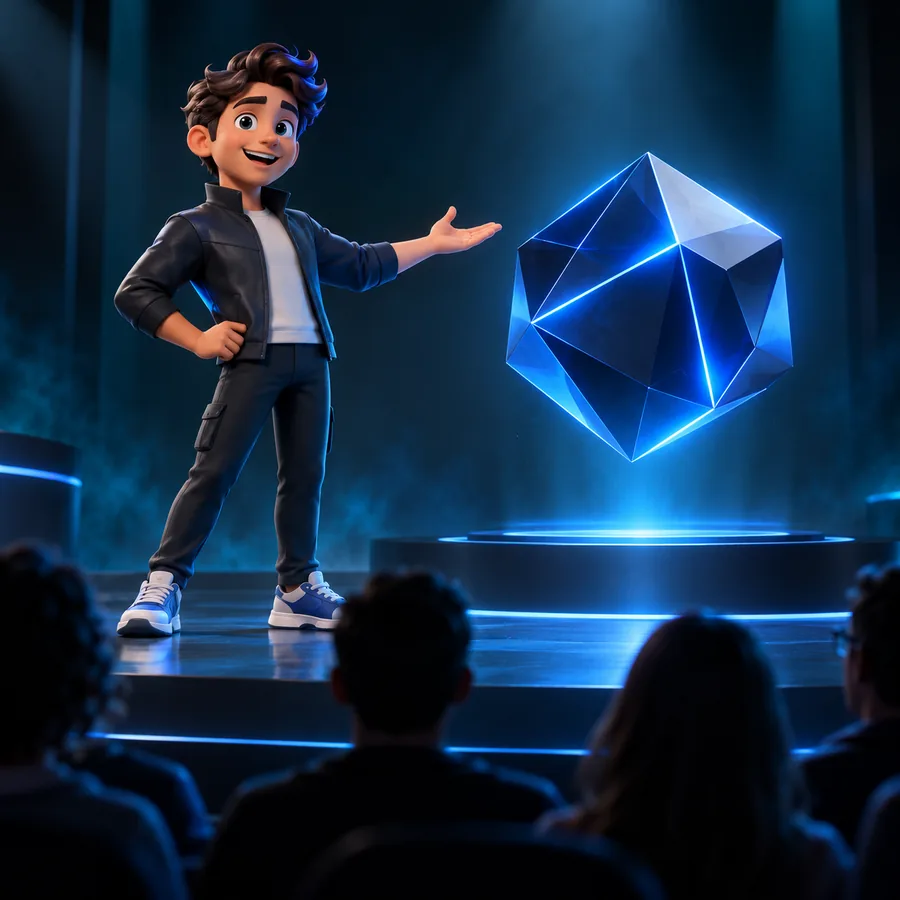 3
Dance
3
Dance
For a free test concept, describe one dominant action first; add style, camera, and environment only after the movement reads clearly.
Quality checks
Start with a reference
Bring a focused movement idea to the Motion Control workflow, test the transfer, and refine the visual description around what the result actually preserves.
Open motion syncVariant FAQ
It describes a motion-transfer workflow where a reference performance guides movement in a generated video. The word free refers to the search intent and access question, so check the current destination for the applicable tool terms before creating.
It can be used for full-body movement when the reference keeps the performer visible and the action is easy to read. Cropped limbs, heavy occlusion, or abrupt camera changes can make the transferred result less consistent.
No. Text-to-video ai starts mainly from written instructions, while motion sync adds a visual movement reference. You can still use text to describe the target subject, style, and environment around that motion.
Choose a clip with a clear subject, stable enough framing, and one dominant action. Begin with a concise description of the movement, then refine the character and scene after checking the first result.