Concept teams
Turn a campaign idea into a visual scene before a full shoot or edit begins.
Share a concrete direction instead of a paragraph of abstract notes.
ai video generatorPrompt to scene
Describe a subject, setting, action, and visual mood in plain language. This text to video AI workflow turns that direction into a visual starting point you can review and refine with motion control.
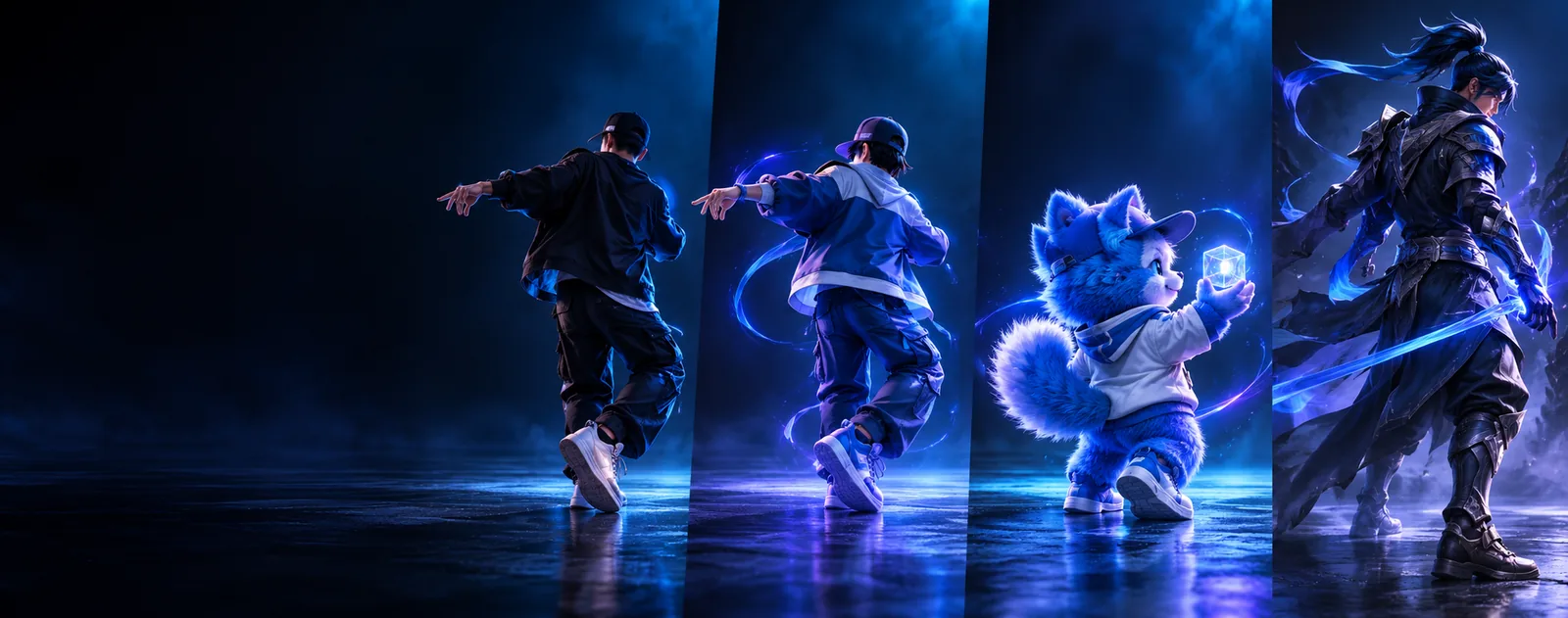
Choose your input
Text is the starting input; the output is a moving scene with visual choices for subject, setting, action, and atmosphere. Choose the adjacent workflow that matches what you already have.
Turn a campaign idea into a visual scene before a full shoot or edit begins.
Share a concrete direction instead of a paragraph of abstract notes.
ai video generatorStart with a written action and explore how a character might move through a scene.
Compare early motion ideas before committing to a longer production.
ai motion mimic freeUse a reference movement when the written description is too vague for a gesture or pose.
Keep the intended action visible while testing different scene prompts.
ai motion sync freeBegin with a finished still when composition matters more than generating a new world from words.
Preserve a visual anchor while adding camera movement and time.
image to video aiTransform an existing clip into a new visual treatment while retaining its basic timing or action.
Explore variations without rebuilding every frame manually.
video to video aiCreate a speaking performance when the words and mouth movement are the central brief.
Keep spoken delivery and facial timing aligned for a short clip.
lip sync aiInput and output
A written brief gives the model intent, while the generated clip adds timing, framing, and visual interpretation. The comparison below clarifies what changes between the two sides.
Primary input
Written direction
Words describing a subject, action, setting, and style
Generated video
A rendered sequence that interprets those instructions
Composition
Written direction
Suggested through spatial language such as close-up or wide shot
Generated video
Expressed through framing, subject placement, and camera movement
Action
Written direction
Specified as verbs, timing cues, and motion intent
Generated video
Shown as moving bodies, objects, or environmental changes
Consistency
Written direction
Controlled by repeating precise subject details
Generated video
May vary across frames, especially with complex scenes
Revision
Written direction
Edit the wording, order, or emphasis of the prompt
Generated video
Generate another interpretation and compare the result
Best use
Written direction
Planning, ideation, and visual communication
Generated video
Previsualization, short-form concepts, and scene exploration
Motion control
Written direction
Describe movement in natural language
Generated video
Inspect whether the rendered action follows the requested path
Try the workflow
Begin with one subject and one clear action. The prompt should establish the scene before adding camera direction, lighting, pace, or stylistic detail.
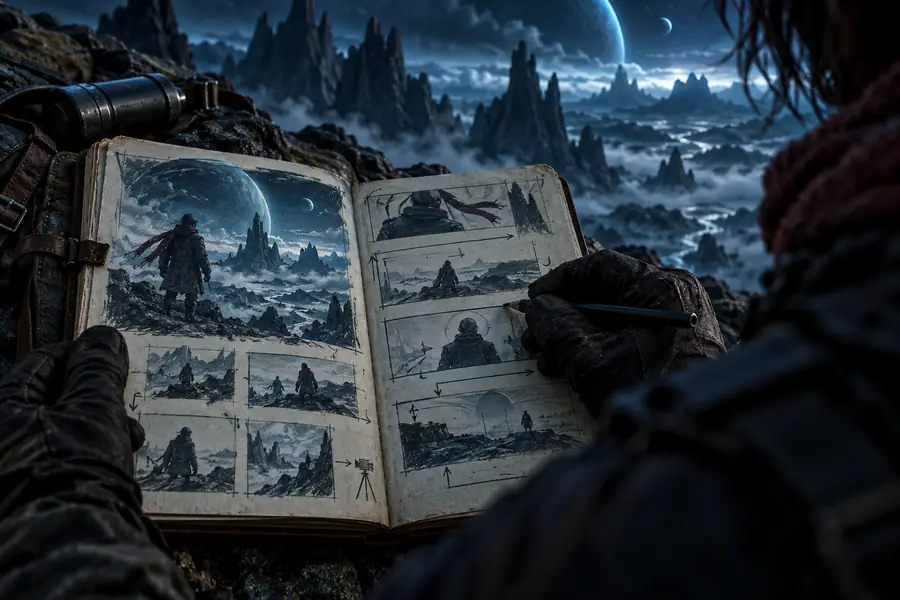
 Prompt direction
Video result
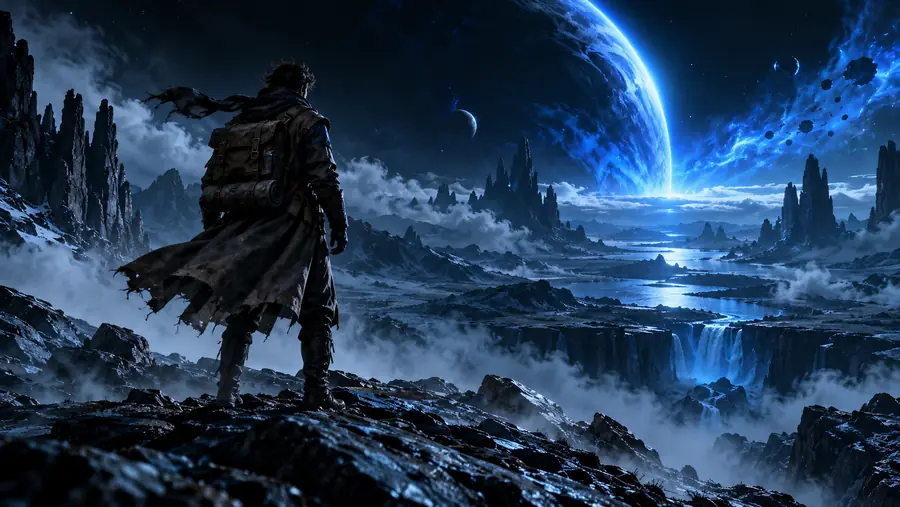
Prompt direction
Video result
Compare direction with the rendered result.
Prompt directionVideo resultThree practical passes
A simple sequence keeps the brief readable and makes motion control easier to assess after each generation.
Name the main subject, location, time of day, and visible action without packing several unrelated events into one sentence.
Specify framing, camera movement, lighting, pace, and style only after the core action is clear.
Check subject identity, motion continuity, composition, and unwanted changes, then adjust the smallest unclear phrase.
Set expectations
Text-to-video generation is useful for exploration, but a written prompt does not guarantee exact control over every frame or movement.
A prompt can request a movement, but complex hands, interactions, and multi-step choreography may drift between frames.
Workaround
Use shorter actions, clearer staging, and a reference-led motion workflow when precision matters.
Characters, props, lighting, or locations can change during a longer sequence.
Workaround
Break the idea into short shots and keep the defining subject details consistent.
A phrase such as natural movement or cinematic camera may be interpreted in several valid ways.
Workaround
Replace broad adjectives with concrete framing, direction, speed, and lighting cues.
Generated clips still need selection, trimming, sequencing, sound, and review for the intended audience.
Workaround
Treat each output as a usable shot candidate inside a wider production workflow.
Start with a scene
Write one focused action, test the visual interpretation, and use the result to decide what deserves another pass. The workflow is most useful when it shortens the distance between an idea and something your team can review.
Generate a videoVariant FAQ
These answers cover the practical decisions people make when starting with a written video brief.
Text to video AI creates a video clip from a written description. You provide details such as the subject, setting, action, framing, and visual style, and the system interprets them as a moving scene.
Start with one clear subject and one visible action, then add the setting and camera direction. Specific details about framing, lighting, pace, and motion are usually more useful than a long list of vague adjectives.
It can generate scenes with cinematic-looking composition, lighting, and camera direction when those choices are described clearly. The result is an interpretation, so several prompt passes may be needed to reach the intended look.
A written prompt can guide the type and direction of movement, but it may not reproduce exact choreography. For demanding actions, use shorter shots, clearer staging, and review each output for motion continuity.
Common uses include concept scenes, social clips, visual storyboards, product ideas, and short previsualization shots. It is best treated as a way to explore and communicate a scene before final editing or production.