Motion Control vs Camera for Better Video Decisions
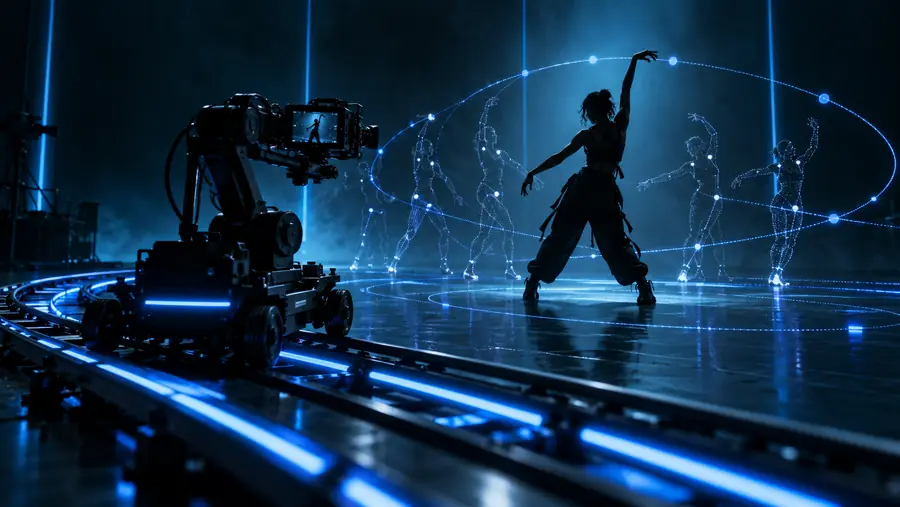
Motion control vs camera is not a choice between real and artificial video. It is a choice between physically capturing a performance and directing movement through a repeatable digital workflow.
The right answer depends less on the label and more on what must remain consistent: a real performance, a physical location, or a controllable visual result.
Live-action director
You need a recognizable actor, practical setting, precise blocking, and real interaction with props or other performers.
A camera gives you physical evidence, natural light behavior, and direct control over the recorded performance.
A simple three-stage review keeps the choice grounded in the shot rather than in assumptions about the tool.
1
Define the visual truth
Write down what must be physically authentic: the actor, product dimensions, location, lighting response, lens behavior, or interaction with an object.
2
Map the change requests
List how many versions, revisions, framing changes, and movement experiments the project is likely to need. Repetition favors a more controllable workflow.
3
Test one representative shot
Compare the same brief through a camera plan and a motion control plan. Judge continuity, quality, revision effort, and the amount of cleanup each requires.
Side-by-side
Total Cost: Motion Control vs Camera
Total cost includes more than the tool itself. Crew, locations, lighting, reshoots, post-production, and the cost of changing direction can matter more than the initial capture method.
Motion control workflow
Camera workflow
Initial setup
Motion control workflow
Often shifts effort toward planning, references, generation, review, and controlled iteration.
Camera workflow
Usually requires a camera package, support, lighting, location preparation, and crew time.
Crew and location
Motion control workflow
Can reduce dependence on a physical set for concept development, subject to the chosen tool and brief.
Camera workflow
Requires people, space, scheduling, permissions, and on-set coordination for a physical shoot.
Repeatable movement
Motion control workflow
Useful when the same motion idea must be explored across several visual directions.
Camera workflow
Repeatability depends on marks, rigging, lens settings, camera support, and consistent set conditions.
Physical accuracy
Motion control workflow
May require careful review when exact product shape, contact, perspective, or material behavior matters.
Camera workflow
Captures the real subject directly, making physical reference and proportions easier to verify.
Revision cost
Motion control workflow
Can be efficient for ideation, but changes may introduce continuity, identity, or motion artifacts that need correction.
Camera workflow
Late changes can require reshoots, new setup time, or additional post-production work.
Post-production
Motion control workflow
May include cleanup, compositing, consistency checks, and selection among generated or processed results.
Camera workflow
May include edit, grade, retouching, compositing, stabilization, and cleanup after capture.
Best cost advantage
Motion control workflow
Strongest when the project values rapid visual exploration and does not depend on perfect physical proof.
Camera workflow
Strongest when one well-planned shoot can capture the required reality with limited revision.
Honest caveats
Where quality differs
Neither workflow wins every quality test. The important question is which kind of quality your audience will notice first.
Motion control cannot guarantee physical truth
A digitally controlled result may look convincing while still missing a product detail, contact point, reflection, or consistent scale.
Workaround
Use clear references and review the output against the real subject before publishing.
A camera cannot make every concept easy to revise
Once a physical shoot is complete, changing the location, performer, lens position, or lighting may be expensive or impossible.
Workaround
Storyboard the shot and capture coverage before locking the edit.
Both workflows can lose continuity
Camera footage can vary between takes, while motion control can vary between generations or revisions.
Workaround
Keep framing, movement intent, references, and acceptance criteria documented.
Motion control is not automatically cinematic
Controlled movement does not replace composition, pacing, performance direction, lighting judgment, or a clear subject.
Workaround
Treat movement as one design decision inside a complete visual plan.
Visual difference
The same brief can produce different strengths
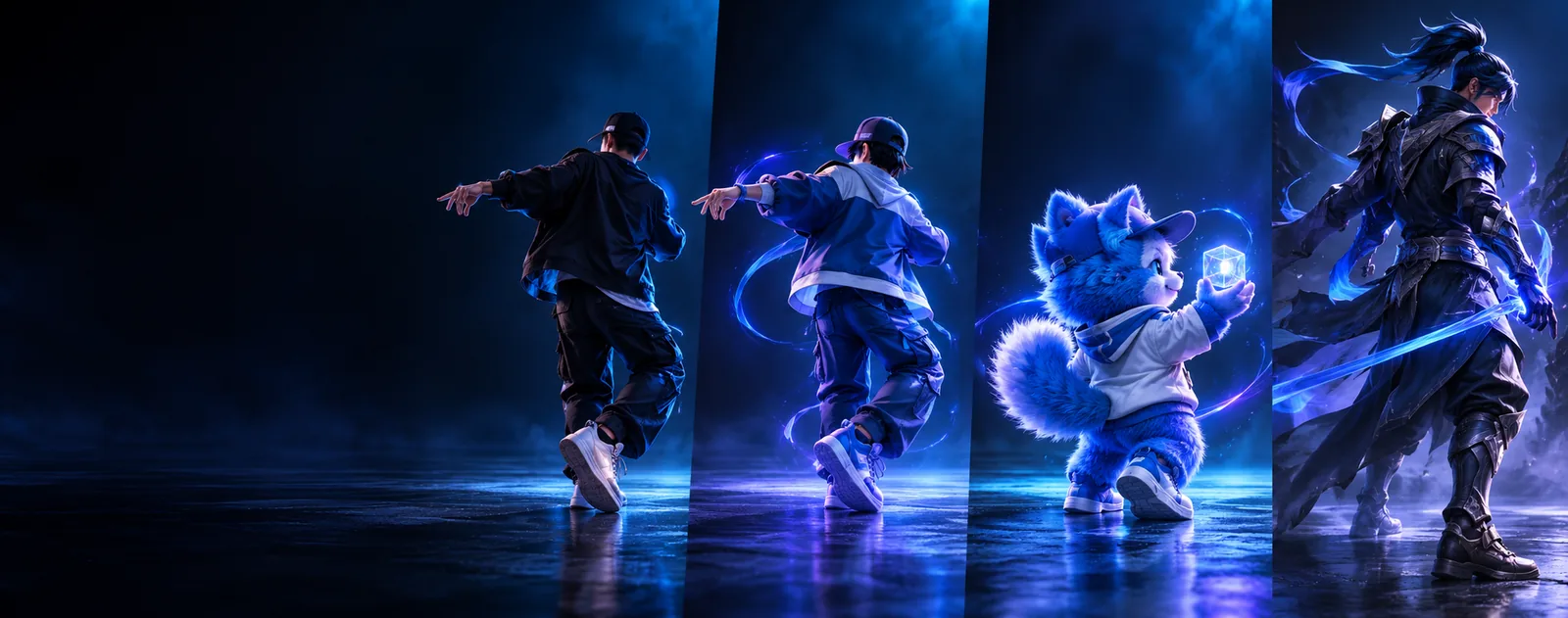
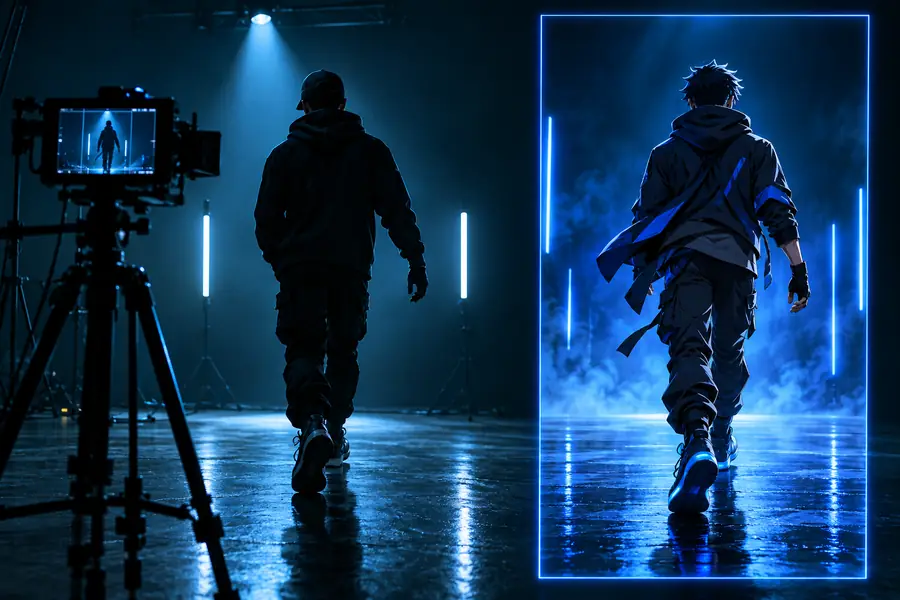
A physical camera preserves direct evidence of the subject, while motion control emphasizes directed movement and flexible visual exploration.
Controlled digital movement
Physical camera capture
Compare continuity, texture, contact, and revision effort—not just the first frame.
Make the call
Choose the workflow your brief can support
Start with the shot that carries the most risk. If the risk is physical accuracy, a camera may be the safer foundation. If the risk is exploration, repetition, or changing direction, motion control may offer more room to test ideas before committing to a full production.
Use a camera when physical evidence is the priority.
Use motion control when controlled iteration is the priority.
Test one representative shot before changing the whole workflow.
Comparison FAQ
Comparison FAQ
A camera records a physical scene through a lens, with real subjects, light, space, and movement. Motion control usually refers to directing or transferring movement through a more digitally controlled workflow, where iteration and visual variation can be easier to manage.
Neither is universally better. Motion control can suit concept development, repeatable movement, and flexible visual exploration, while a camera is often stronger when physical authenticity, exact product detail, or natural interaction is central to the brief.
The answer depends on the project, because camera cost includes equipment, crew, location, lighting, scheduling, and possible reshoots. A motion control workflow may reduce some physical production needs, but review, cleanup, consistency checks, and revisions still contribute to total cost.
Consider switching when the project needs many visual directions, repeated movement tests, or revisions that would be costly to capture physically. Before switching completely, test one representative shot and compare quality, continuity, revision effort, and how well the result preserves the brief.
It can replace some camera-led tasks, especially early visual development and certain controlled content workflows, but it is not a universal replacement. Projects built around physical performance, exact objects, real locations, or trustworthy documentary detail may still need camera capture.