Concept artists
Start with a concise description of the subject, setting, action, and camera mood.
A prompt-led draft gives you several directions to refine before committing to a visual reference.
text to video aiVideo creation
An AI video generator can turn a written idea, image, or source clip into a starting point for a directed scene. Use this guide to compare workflows and prepare cleaner imports.
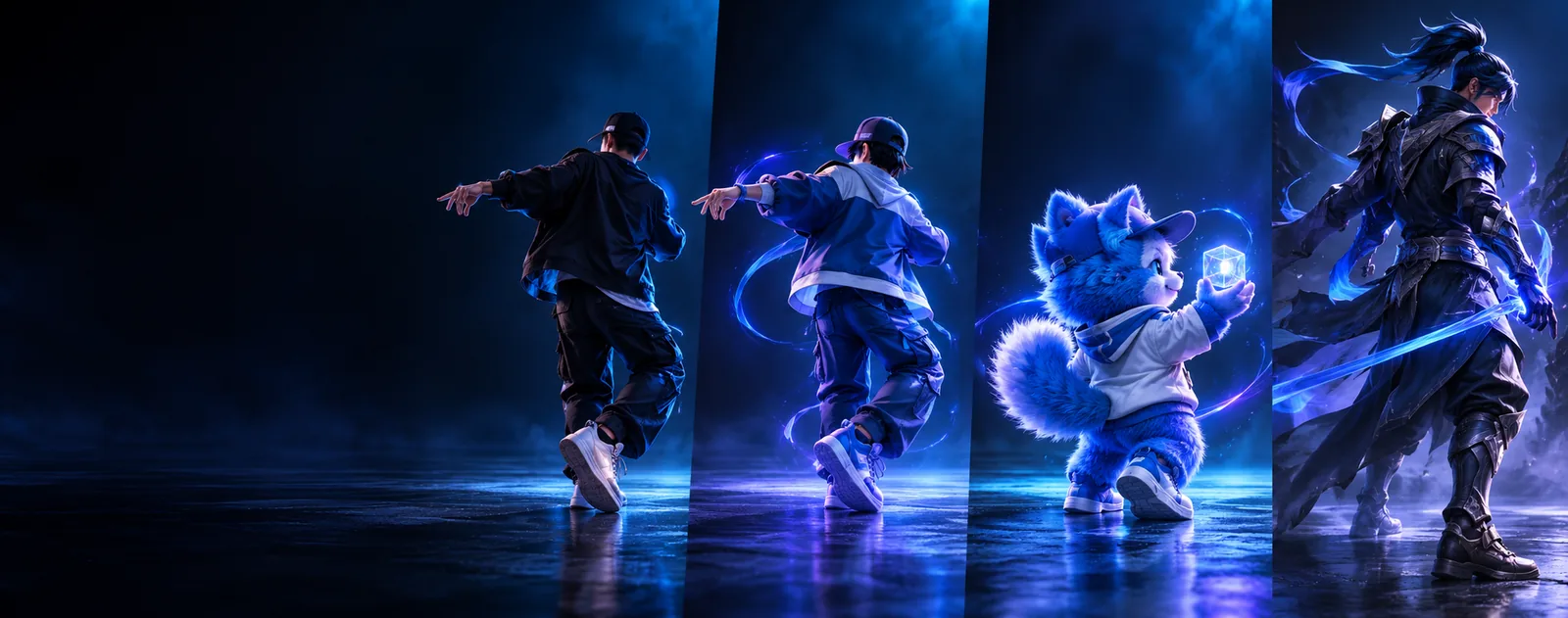
Choose a workflow
Different creators start with different inputs. This side-by-side view helps match the software workflow to the material you already have.
Starting input
Prompt-led workflow
Written scene description
Reference-led workflow
Image or source video
Best for
Prompt-led workflow
Exploring concepts quickly
Reference-led workflow
Preserving a visual direction
Creative control
Prompt-led workflow
Mood, setting, action, camera intent
Reference-led workflow
Subject appearance, framing, movement reference
Typical preparation
Prompt-led workflow
Define subject, action, setting, and shot
Reference-led workflow
Choose a clear image or stable clip
Main risk
Prompt-led workflow
Vague prompts produce inconsistent scenes
Reference-led workflow
Poor references can carry blur or unwanted artifacts
Useful next step
Prompt-led workflow
Refine the prompt and generate variations
Reference-led workflow
Clean the reference before importing
Tool preview
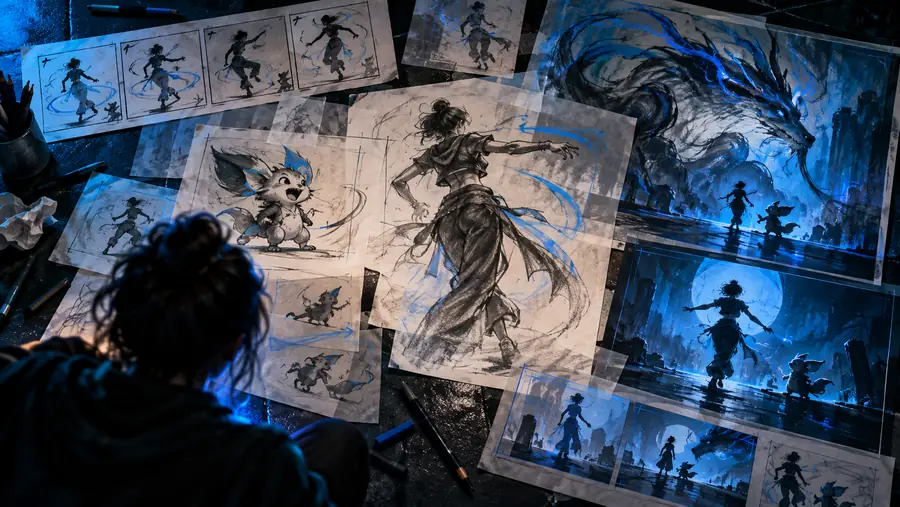
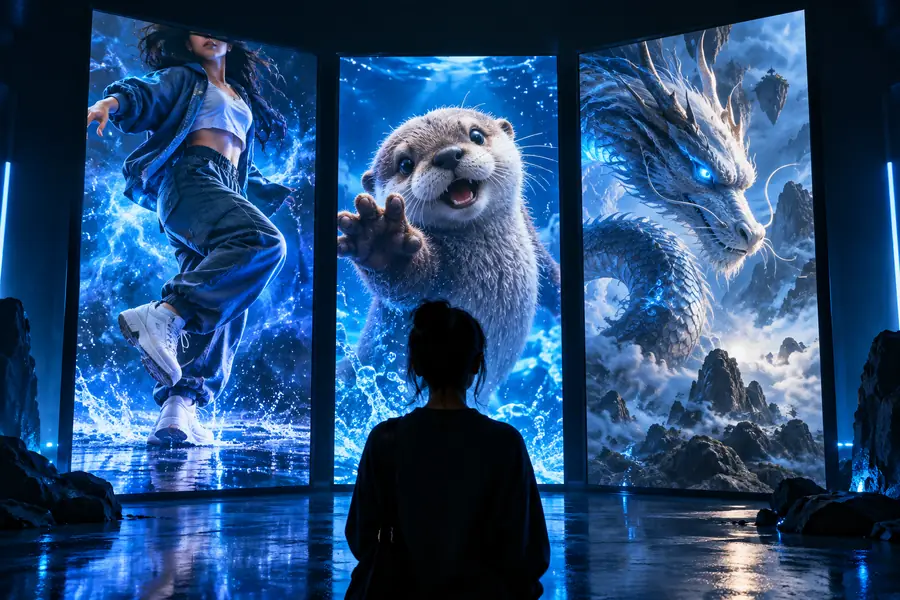
Compare a rough source with a more directed result, then decide whether your next attempt should begin with a prompt, an image, or a video reference.
 Reference
Directed result
Reference
Directed result
Drag the divider to compare framing and visual consistency.
ReferenceDirected resultImport steps
Choose the input that gives you the most useful control, then keep the source simple enough for the tool to interpret clearly.
Start with a concise description of the subject, setting, action, and camera mood.
A prompt-led draft gives you several directions to refine before committing to a visual reference.
text to video aiBring a still character image into a motion workflow when appearance matters more than a blank canvas.
A stable reference helps preserve the character concept while you explore scene movement.
image to video aiImport a short source clip when the timing or physical movement is already close to the intended shot.
A video-led workflow provides a clearer motion starting point than describing every beat from scratch.
video to video aiTroubleshooting
Most avoidable problems begin before generation: unclear references, unsupported assumptions, or a source that contains too many competing movements.
Workflow evolution
The format has moved from isolated prompt experiments toward workflows that combine text, images, source clips, and performance references.
Creators describe a subject, setting, action, and visual mood before seeing a generated result.
A still image gives the workflow a concrete subject, composition, or style to preserve.
A clip can provide timing, gestures, and camera behavior that are difficult to specify in words.
Modern workflows increasingly combine prompt intent with visual references so creators can iterate with more structure.
Create a draft
Start with the input you can describe or prepare most clearly. A focused prompt, clean image, or steady source clip gives the workflow a stronger foundation.
Create a video draftQuick answers
It can create short visual scenes from inputs such as written descriptions, images, or source video. The result depends on the clarity of the direction and the quality of the material supplied.
Start with text when you are exploring an idea and do not yet have a reference. Use an image when appearance or composition matters, and a video when timing or movement is already important.
A reference may contain blur, changing subjects, difficult lighting, or several competing movements. A clearer source with one main subject and a readable action is usually easier to direct.
Keep the subject, action, camera intent, and visual style explicit, then change one major variable at a time. This makes it easier to identify which instruction improved or weakened the result.