Motion Control

A practical comparison

Choosing the best motion control alternative for your shot

The best motion control alternative depends on what must stay consistent: a performer’s gesture, a camera move, or footage you already have. Start with the shot you need, then choose a method whose inputs give you control over that part of it.

Three real scenarios, one pick each

These are starting picks, not universal winners. A convincing result still depends on the source material, the available controls, and how much correction the shot needs.

Match the creator to the method

Decide which part of the scene you cannot afford to leave to interpretation. That constraint is more useful than a general ranking of tools.

Character animator

You have a recorded performance and need a generated character to follow its broad actions. Pick a reference-led motion workflow rather than relying on a written action description alone.

Judge the result by gesture timing, body continuity, and whether the character remains recognizable across the clip. The comparison explains why a motion reference may matter more than prompt detail.

motion control vs kling
Product filmmaker

You must repeat the same move around a physical object for multiple takes. Pick a filmed camera setup if repeatability on set matters more than generating a new scene.

Keep real lighting, surfaces, and product details in the capture; plan for equipment and setup time. The camera comparison separates physical movement from subject animation.

motion control vs camera

Social video editor

You already have a clip with the right pacing but want a different visual treatment. Pick a footage-first transformation instead of rebuilding the action from a still image.

Use the original clip as the timing reference, then inspect faces, hands, and cuts for unwanted changes. The footage-first guide covers that distinct input choice.

video to video ai

A short selection workflow

Run this check before testing an alternative. It turns a vague request for more control into a shot you can evaluate.

  1. 1

    Name the locked element

    Write down what cannot drift: the actor’s pose, the camera path, the product’s appearance, or the original clip’s timing. If everything is negotiable, a general video workflow may be enough.

  2. 2

    Choose the strongest input

    Use a performance reference for gestures, filmed footage for a real camera move, or an existing clip when timing is already settled. Check the destination tool’s supported inputs before preparing files.

  3. 3

    Review one demanding shot

    Test a shot with turns, hand movements, or an important object. Compare the output against your locked element before committing to a longer sequence; a polished frame can hide unstable motion.

Capability matrix

These are workflow differences, not claims that every product supports every input. Check a specific tool’s current controls before treating it as a substitute.

Reference-led AI motion
Filmed camera workflow

Starting material

Reference-led AI motion

A visual subject and, where supported, a motion reference

Filmed camera workflow

A physical subject, location, camera, and planned movement

Primary control

Reference-led AI motion

How a generated subject interprets reference movement

Filmed camera workflow

Where and how the camera physically moves during capture

Best starting scenario

Reference-led AI motion

A character action that would be difficult to film as imagined

Filmed camera workflow

A real object or scene whose appearance must remain authentic

Repeatability

Reference-led AI motion

Can vary between generated attempts; inspect each result

Filmed camera workflow

Depends on the rig, marks, operator, and take conditions

Typical failure to inspect

Reference-led AI motion

Gesture drift, changing anatomy, or inconsistent identity

Filmed camera workflow

Focus, lighting, blocked movement, or mismatched takes

Later changes

Reference-led AI motion

May require another generation when action changes

Filmed camera workflow

May require a reshoot when movement or framing changes

What neither guarantees

Reference-led AI motion

Exact frame-by-frame performance from a reference

Filmed camera workflow

A usable shot without rehearsal and review

See the difference in planning

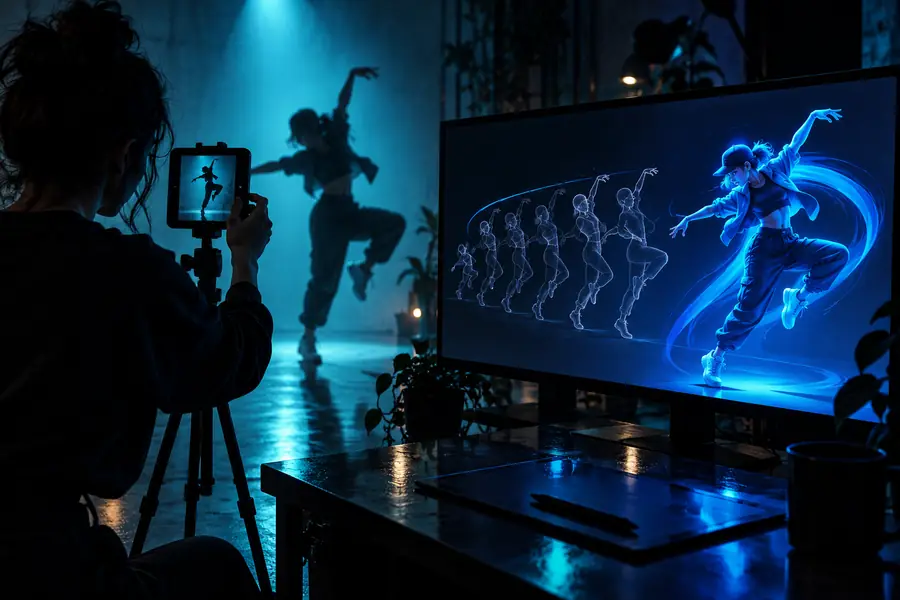
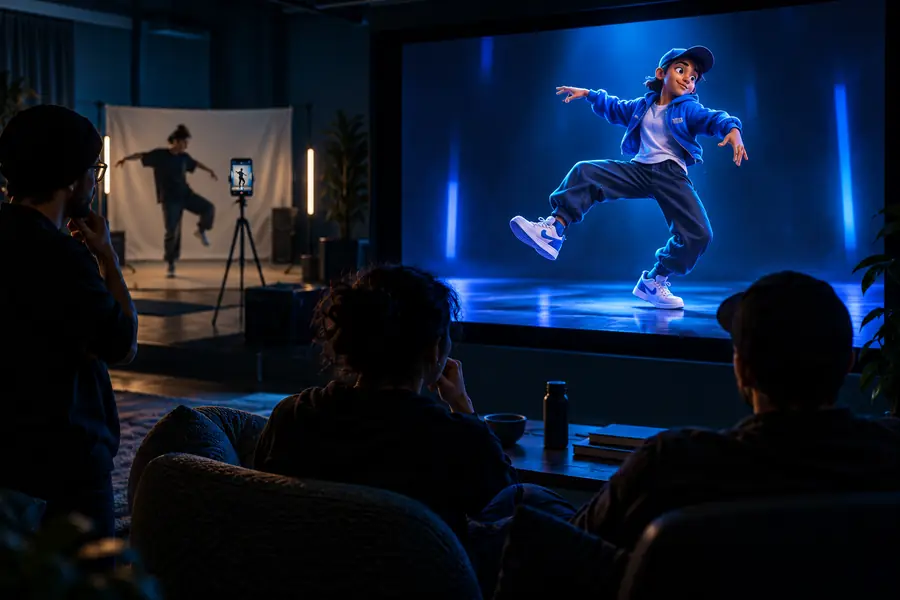
A visual concept can help you choose a direction, but it cannot demonstrate how faithfully a tool will reproduce movement.

Illustration associated with choosing an alternative video workflow Plan the subject’s action
Illustration associated with comparing generated movement and camera work Plan the camera move
These are editorial illustrations, not a before-and-after generation test. Evaluate motion with actual clips from the workflow you intend to use.

Shared pitfalls

Changing methods does not remove the need to inspect continuity. Each alternative moves the risk to a different part of production.

A reference is not a motion lock

AI motion control can interpret a gesture without reproducing every pose or beat. Occluded limbs, turns, and interactions with objects make exact matching harder.

Workaround

Use a short, clearly framed reference and judge the full clip, not a selected still.

A camera move does not animate a subject

A filmed move controls viewpoint. It cannot make an actor or product perform an action that was not captured, even if the camera path is highly repeatable.

Workaround

Separate the movement brief into subject action and camera movement before selecting equipment.

Existing footage carries its problems forward

A footage-first alternative starts with the timing you have, including shaky framing, awkward cuts, or missing action. A visual transformation is not a substitute for the right source clip.

Workaround

Trim and stabilize the source where appropriate, then test the most difficult segment first.

This guide cannot verify a destination tool

Input support, available controls, and access conditions can change. Motion Control cannot promise that the linked product offers a particular reference mode or output setting.

Workaround

Check the destination’s current interface and terms before planning a production around it.

Our tradeoff

Choose a workflow before choosing a tool

Motion Control helps you compare approaches, not certify a single winner. If your shot depends on a performer’s gesture, investigate reference-led motion; if it depends on a repeatable move around a real subject, investigate camera capture. Follow the link to explore a video-creation product, then verify its current inputs and test your own difficult shot before relying on it.

Explore video creation
  • Keep the subject action and camera move separate in your brief.
  • Compare complete clips for continuity, not just attractive frames.
  • Confirm available controls on the destination before preparing assets.

Comparison FAQ

For a character following a performance, start by evaluating a reference-led video workflow. For an existing clip whose timing you want to preserve, evaluate footage-first transformation instead. Neither is automatically better: compare results on the particular movement your project needs.

Look for examples that include the source input and the complete resulting clip, not only a highlight frame. Check when the recommendation was posted and whether the person tested gestures, turns, and continuity similar to yours. Treat access and feature claims as time-sensitive.

AI can be useful for exploring a visual idea or generating a scene that would be difficult to capture. It does not provide the same physical repeatability or guaranteed product detail as a carefully planned real-world shoot. If the exact appearance of a real object is essential, test that requirement before switching.

It can be a better starting point when an existing clip already has the action, framing, and pace you need. An image gives you a visual subject but not the same recorded sequence of movement. In either case, inspect the entire result for changes to identity, hands, and important objects.

Start creating
Start creating